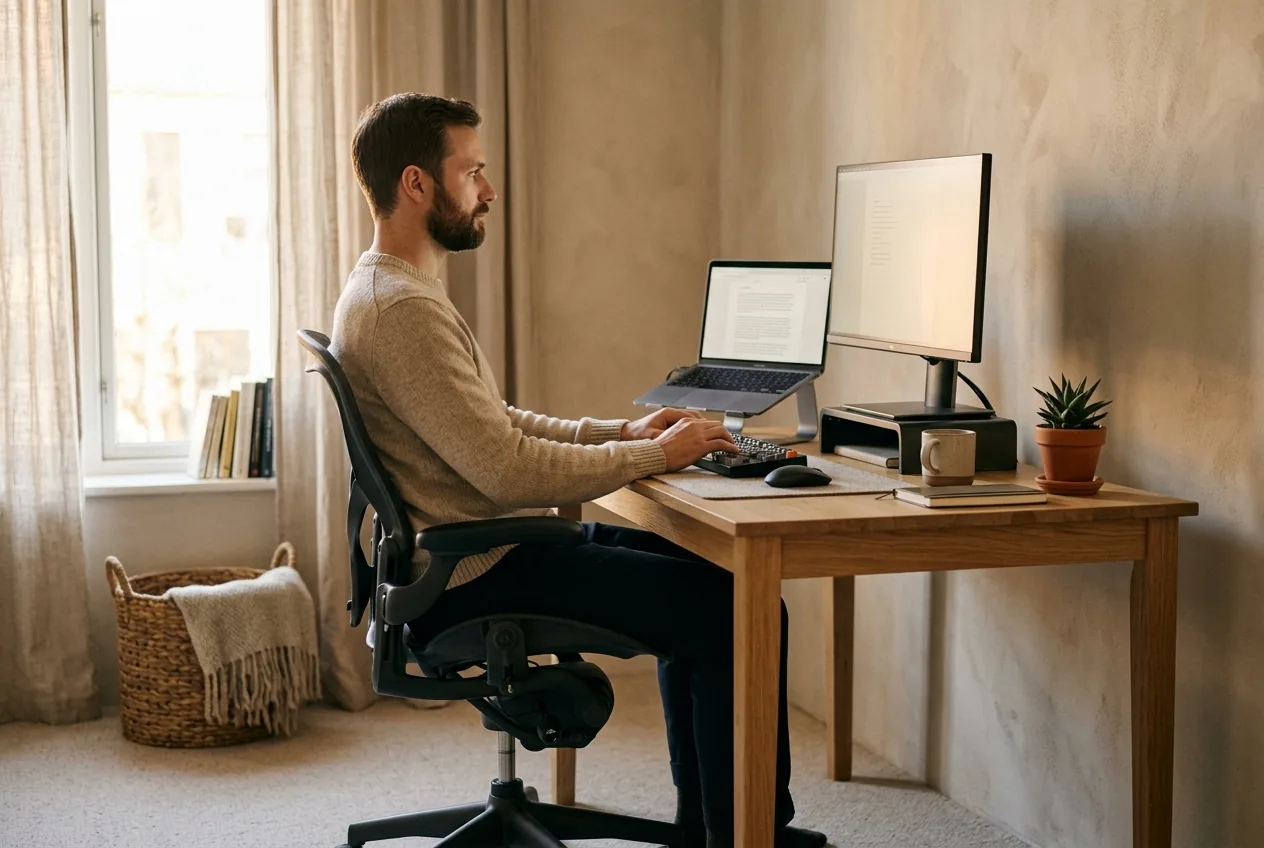
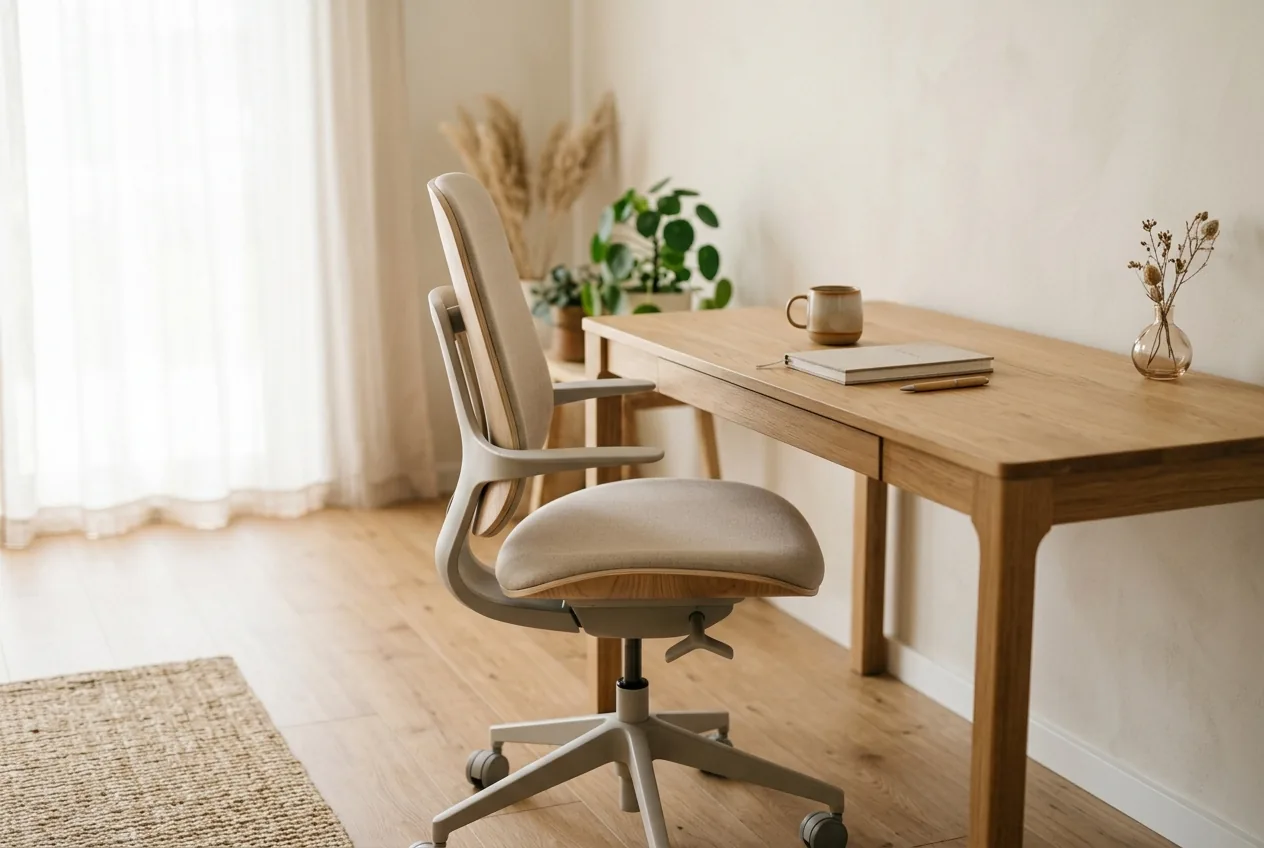
You spent real money on the chair. It has more levers than your car, the box promised "ergonomic support," and your back still aches by mid-afternoon and your hip is stiff when you finally stand up. If that's you, the problem usually isn't the chair. It's that an ergonomic chair for back pain does nothing useful sitting at its factory settings — it has to be fitted to your body, the way you'd fit a bike.
This is the part the marketing skips. The best office chair for posture is the one adjusted to hold your pelvis neutral and your spine in its natural curve. A cheap chair set up correctly beats an expensive one you never touched the levers on. Here's how to set yours up for back and hip pain, lever by lever.
Start with the pelvis, not the back
Most people fixate on back support and ignore the thing that decides everything: where your pelvis sits. If your pelvis rolls backward, your whole spine collapses into a slump no amount of lumbar cushion can rescue. If it tips too far forward, your lower back over-arches. The whole job of the chair is to keep your pelvis neutral — balanced on your sit bones — so the spine stacks naturally on top.
That's why hip pain and back pain so often travel together in a chair. A pelvis tipped out of line strains the lower back above it and pinches the hip joint in front, which is the pattern behind a lot of hip pain when sitting. Fix the pelvis and you address both at once.
Set the chair up for your pelvis. The back and hips follow whatever the pelvis does.
The adjustments that matter, in order
Work through these in sequence. Each one sets up the next.
1. Seat height
Set it so your feet rest flat on the floor and your knees sit level with or just slightly below your hips. Feet dangling tucks the pelvis and dumps pressure on the back of your thighs. Knees riding up high rolls you backward into a slump. If your desk forces the seat too high, add a footrest rather than letting your feet hang.
2. Seat depth
This one's overlooked and it matters for the hips. There should be a two-to-three-finger gap between the front edge of the seat and the back of your knees. A seat that's too deep makes you either perch forward off the backrest or slump back to reach it; one that's too shallow leaves your thighs unsupported. Many good chairs have a slider for this.
3. Lumbar support
Adjust the height and depth of the lumbar support so it fills the natural inward curve of your lower back and sits right at belt level, gently nudging your lower spine forward into its curve. If the support is too low it pushes your pelvis the wrong way; too high and it does nothing. If your chair has no adjustable lumbar, a small rolled towel or cushion at belt height does the same job.
4. Armrests
Set them so your forearms rest with your elbows near 90 degrees and your shoulders relaxed — not hunched up, not dropped. Armrests that are too high shrug your shoulders toward your ears all day; too low and you lean to one side. Correctly set, they take load off your neck and upper back.
5. Recline and tilt
A slight, supported recline — leaning back a few degrees with the backrest following you — actually takes pressure off the lower-back discs compared with bolt upright. Use the recline rather than locking yourself rigid. The discs prefer a little movement and a slightly open hip angle.
Why the chair alone won't fix it
Here's the honest part. Even a perfectly fitted chair has a ceiling, because the real issue with sitting isn't the position — it's how long you hold it. Your spinal discs are fed by movement, so any single position, however ergonomic, starves them if you don't break it up. This is why people with thousand-pound chairs still ache, and it's the same point behind lower back pain after sitting all day.
So pair the setup with movement. Stand every 30 minutes, even briefly. Roll through a couple of desk stretches. If your hips stiffen from the seated angle, a hip flexor stretch when you get up undoes some of it. The chair sets a good default; the breaks keep your back and hips alive in it.
If you're outfitting the whole workstation rather than just the chair, the ergonomic desk setup covers screen height, keyboard position, and the rest of the picture.
What to stop buying into
- Stop assuming a pricey chair works out of the box. Unadjusted, it's just an expensive seat. The setup is the product.
- Stop relying on a chair to fix posture passively. It supports good position; it doesn't train your muscles to hold it.
- Stop sitting in a recline so deep your head pokes forward to see the screen — that trades a back problem for a neck one.
- Stop treating the chair as a substitute for getting up. No seat is good for hours unbroken.
When to see a doctor
This is posture education, not medical advice. See a clinician promptly if sitting brings numbness, tingling, or weakness down a leg, pain shooting below the knee, hip pain that won't bear weight, any loss of bladder or bowel control, fever with back pain, unexplained weight loss, or pain that's severe or steadily worsening rather than easing when you stand. A setup change won't address those.
Why the right setup depends on you
A chair is fitted to your body, but it can't fix the pattern your body brings to it. If your pelvis tips forward or tucks under, if one hip sits higher, if your upper back is already rounded, the chair can only support whatever you give it. The deeper fix is training the muscles that hold your pelvis and spine neutral so good sitting becomes your default rather than something the chair props up.
That's the case for knowing your own pattern. A short posture assessment measures where you actually deviate and builds a daily routine around it. The chair handles the hours; the training handles the alignment underneath them.
A well-set-up cheap chair beats an expensive one on factory settings. Fit it to your pelvis, then keep getting up.
Common questions
What is the best ergonomic chair setup for back pain?
Set the seat height so your feet are flat and knees level with or just below your hips, leave a two-to-three-finger gap behind your knees, fit the lumbar support to your lower-back curve at belt level, set armrests so your elbows rest near 90 degrees, and use a slight supported recline. Fitting the chair to your pelvis matters more than the price tag.
Can an ergonomic chair help with hip pain?
It can, because hip pain when sitting often comes from a pelvis tipped out of line, and a properly fitted chair holds the pelvis neutral. Set the seat height and depth so your hips sit level and open, and break up sitting regularly, since a held position stiffens the hip however good the chair.
Does an expensive office chair fix posture?
No chair fixes posture on its own. It can support a good position once you adjust it to your body, but it doesn't train the muscles that hold you upright, and even the best chair starves your spine if you sit frozen for hours. A cheap chair set up well and broken up with movement outperforms a pricey one left on default settings.
How often should I get up from an ergonomic chair?
Every 30 minutes or so, even briefly. Your spinal discs are fed by movement, so any single seated position eventually stiffens your back and hips no matter how ergonomic the chair. Frequent short standing breaks do more to ease back and hip pain than any single adjustment.